
BoxifyMEYour brand, just way more boxified
Design & printing · From artwork to carton

Your artwork, on a printed carton.

Send us your artwork in whatever state it is in - a finished print file or just a logo - and we set it on your carton's dieline, check it and send you a proof. Here is how to set up a file that prints the way you designed it.

Request a free quote
01

We place your artwork for you

A print-ready file, a design from your designer, or a logo and brand colours - send what you have.

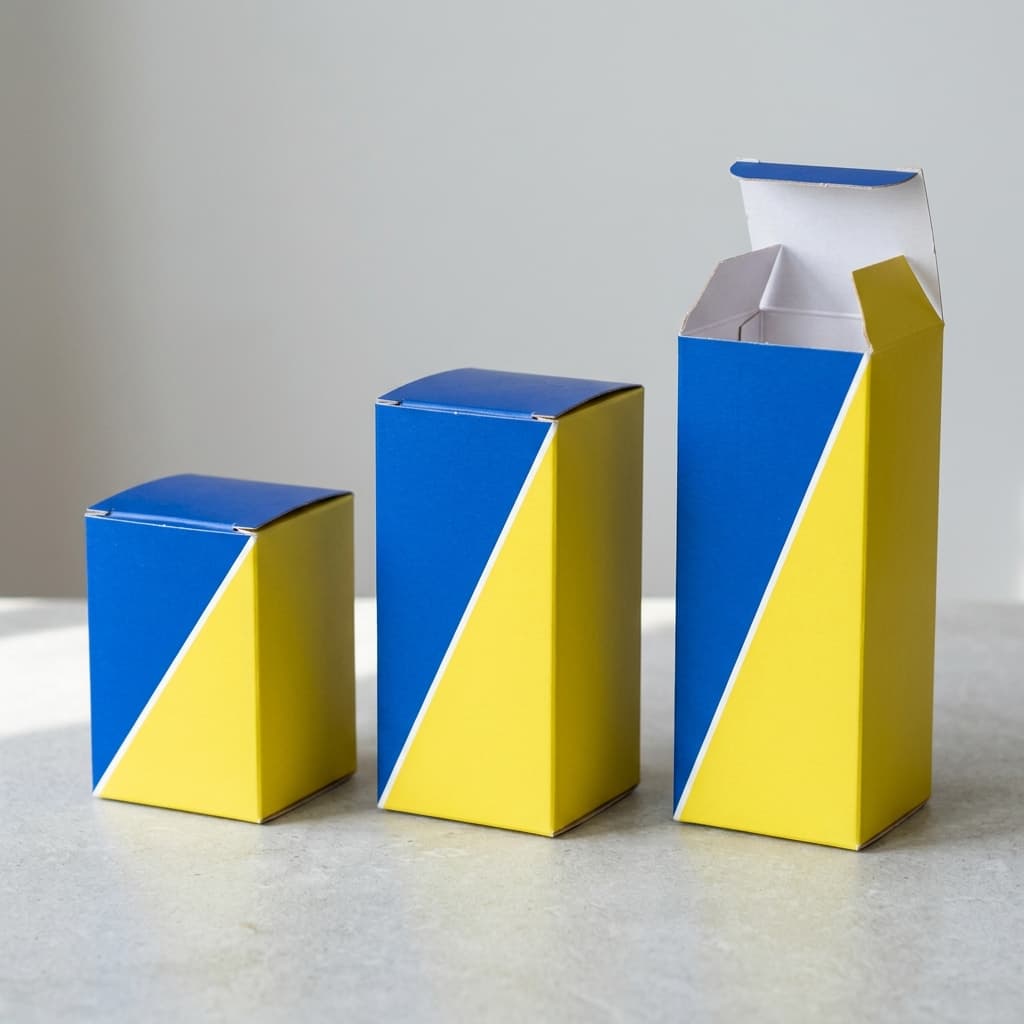
Tell us the box and the product it holds, and send your artwork with it. We lay it across the carton's panels, flaps and lid, and set up the bleed and the fold lines around it.

Only have a logo? Send it with your brand colours and a note on what goes where - front, sides, lid, inside - and we lay it out for you to check on the proof.

  • Print files or just a logo
  • Laid out on your carton's dieline
  • You check it before printing
03

Checked before your proof

We check every file against your dieline before you see it.

Before your proof goes out, we look for text and logos sitting on folds or the glue flap, background colour that stops short of the bleed, low-resolution images, and screen colours that won't print as they look.

If something needs fixing, we tell you what and why, so the proof you approve is the box you get.

Carton artwork, in detail

Can you put my artwork on a carton for me?

Yes. Send us your artwork and tell us the box, and we set it on the carton's dieline and send you a digital proof to approve.

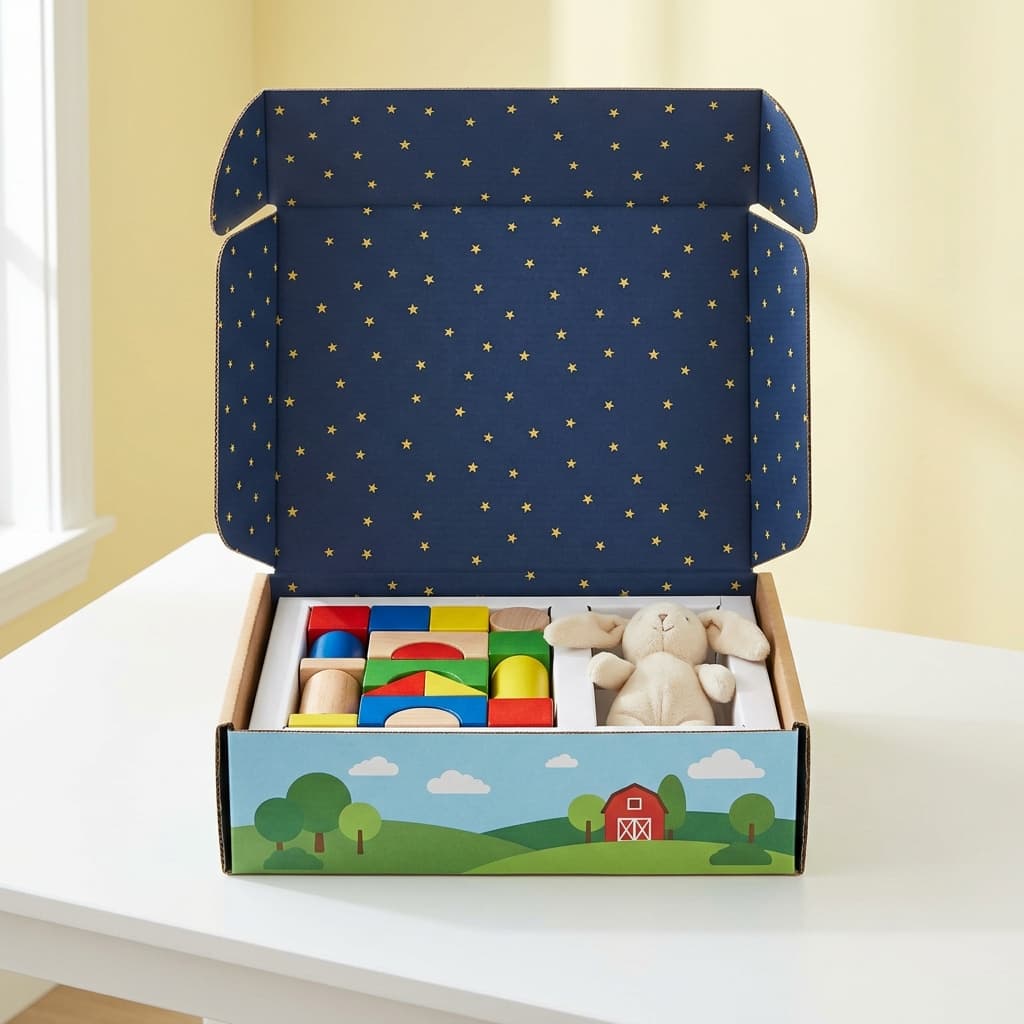
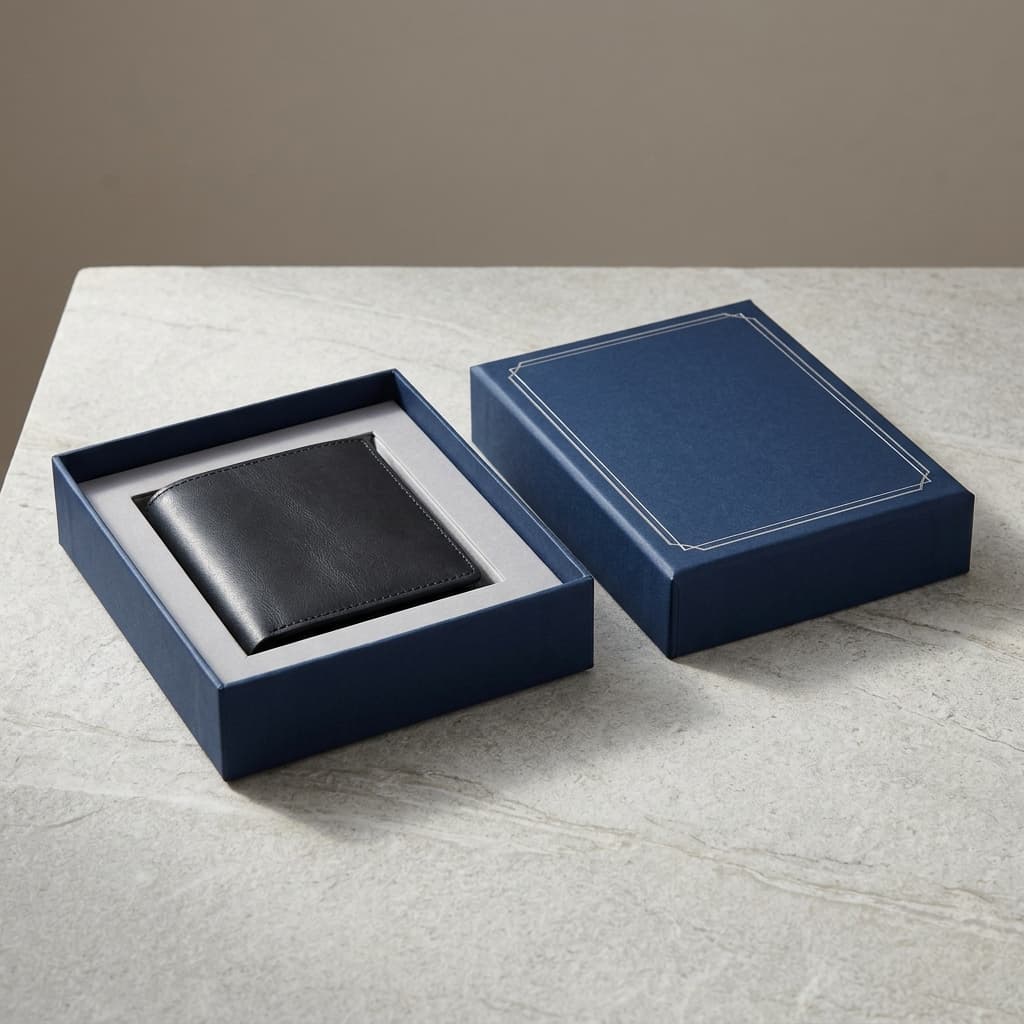
It works the same for a folding carton, a mailer box or a rigid gift box: your design goes onto the flat layout of the box, you approve it, and only then is it printed, cut and folded.

  • Folding cartons, mailers and rigid boxes
  • Proof first, print after

What file should I send for carton printing?

A print-ready PDF of your design is best, with fonts outlined and images at full size.

If your design lives in another format, or you only have a logo, send what you have. We will tell you if anything is missing before we lay it out.

What are the most common artwork mistakes on packaging?

Text too close to a fold, colour that stops at the cut line, and images taken from a website.

Small text on a fold or glue flap gets bent or hidden. Background colour that stops exactly at the edge can leave a thin unprinted line after cutting. Pictures saved for the web look fine on screen and soft in print. Colours picked on screen in RGB can shift once printed in CMYK.

  • Keep text off folds and flaps
  • Run colour into the bleed
  • Use full-size images
  • Set colours in CMYK or Pantone

How do I show where foil, white ink or spot UV go?

Put each finish on its own layer, filled in a single solid colour and named for the finish.

The layer is a map of where the finish goes, not a colour that prints. Keep it lined up exactly with the artwork beneath, and we show it on your proof so you can check the position.

Can I reuse artwork from another box?

Yes, but it needs to be laid out again on the new box's dieline.

Panels change size and position from one box to another, so artwork from an old box won't line up on a new one as it is. Send the old file and we fit it to your new carton for you to check on the proof.

With every order

  • Artwork laid out on your dieline
  • Files checked before your proof
  • Finish layers set up and shown
  • Nothing printed until you approve

Popular for

  • Designers preparing print files
  • Brands with a logo but no packaging design yet
  • Moving existing artwork to a new box
  • First-time carton printing

How to order

Request a quote for your box and attach your artwork, or just your logo. We lay it out, check it and send you the proof.

Request a free quote

Goes with